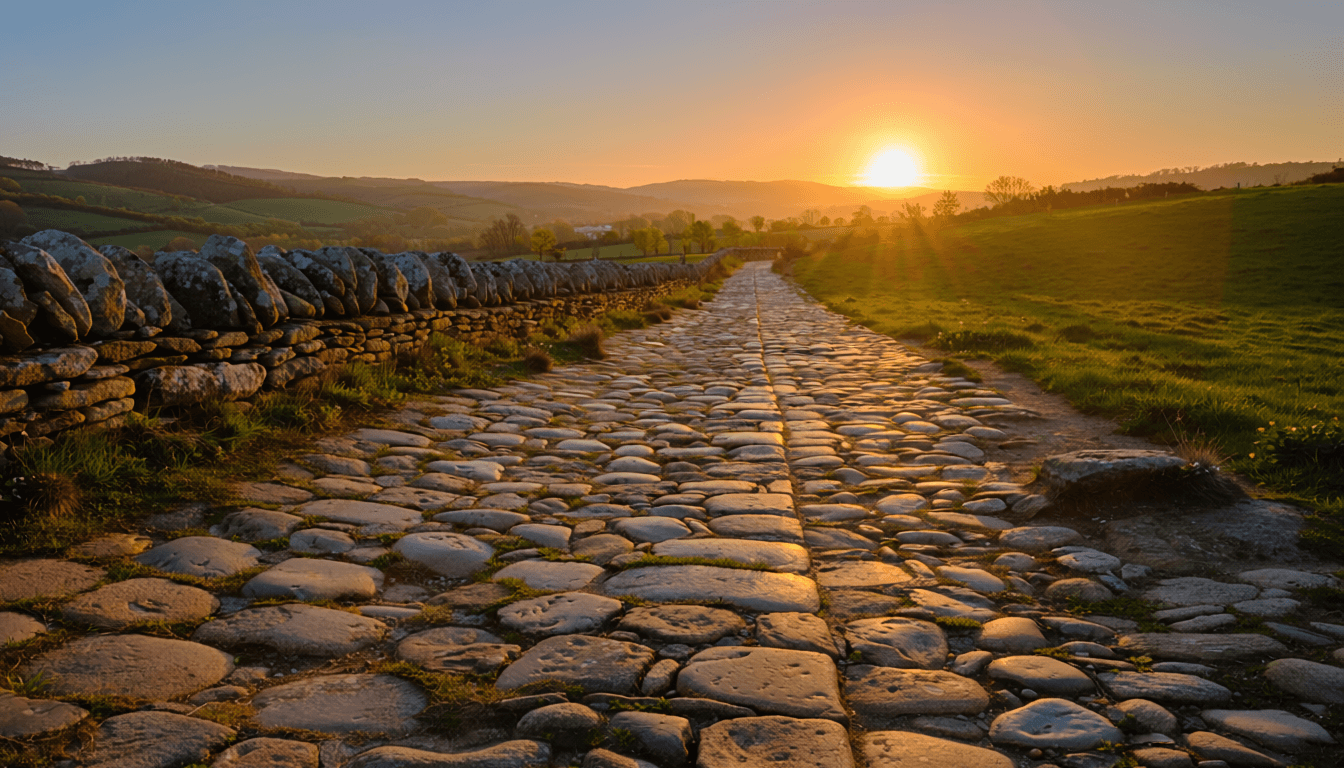
Return to your tempo
CONCEPT・CREATIVE PRODUCTION・AI WORKFLOWS
"AI is disrupting product design, but it's amplifying digital experiences."
Carlos Roldan
THE CONCEPT
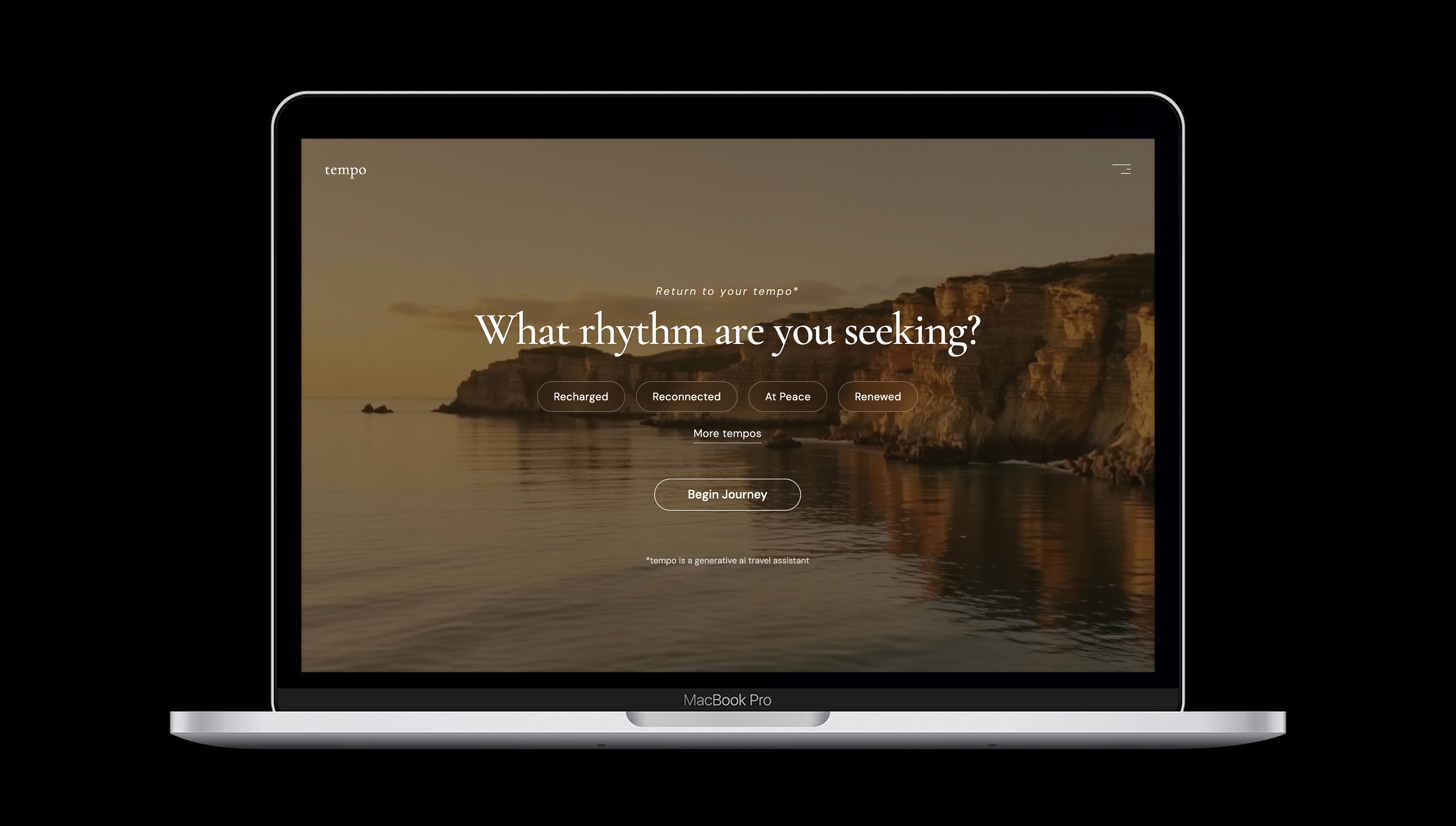
Most travel planning starts with the same question: where do you want to go? The question tempo asks is different: how do you want to feel?
A feeling-first AI travel planning assistant, tempo opens not with a search bar but with a mood. Recharged, Reconnected, At Peace, Renewed. The AI uses that emotional signal as its starting point and builds a complete journey around it. Not a ranked list of destinations. An experience designed to deliver the feeling the traveler is actually seeking.
This is Trustability Experience (TX). A philosophy I coined to describe the moment a guest interacts with a luxury digital experience made with craft and warmth. They subconsciously begin to trust the brand before they decide to purchase.
The design inspiration came from the Condé Nast brand. Editorial authority, full-bleed cinematic photography, restrained serif typography, UI that gets out of the way of the aspiration. Cormorant Garamond for headlines. DM Sans for body. A palette of warm neutrals and gold, used sparingly enough to feel like a signal rather than a decoration.
THE BUILD
The workflow: Figma → Figma Make → Cursor → GitHub → Vercel
Stage 1 - Figma. The tempo design system was built in Figma first. Untitled UI Pro Variables v8.0 was installed as the component foundation, and a custom tempo palette of warm neutrals and gold was set up across three variable collections. Gemini 2.5 Pro then ran inside Figma Make with the design system and tempo variables connected. Each section of the landing page was designed through prompts inside Figma Make. The component library and tempo variables kept every output on brand. The build sequence was design-complete first, then code. All tempo page sections were finalized in Figma Make before moving to Cursor.
Stage 2 - Cursor. Figma Make exports the project as a React zip. Opening that zip in Cursor and deploying it to GitHub and Vercel is a two-command workflow. Design and code decisions were made collaboratively through conversation in Cursor. All design refinements were previewed at localhost before pushing to GitHub and Vercel. The equalizer menu animation, chip active states, video crossfade logic, video overlays, and email capture confirmation were all built in Cursor through conversation.
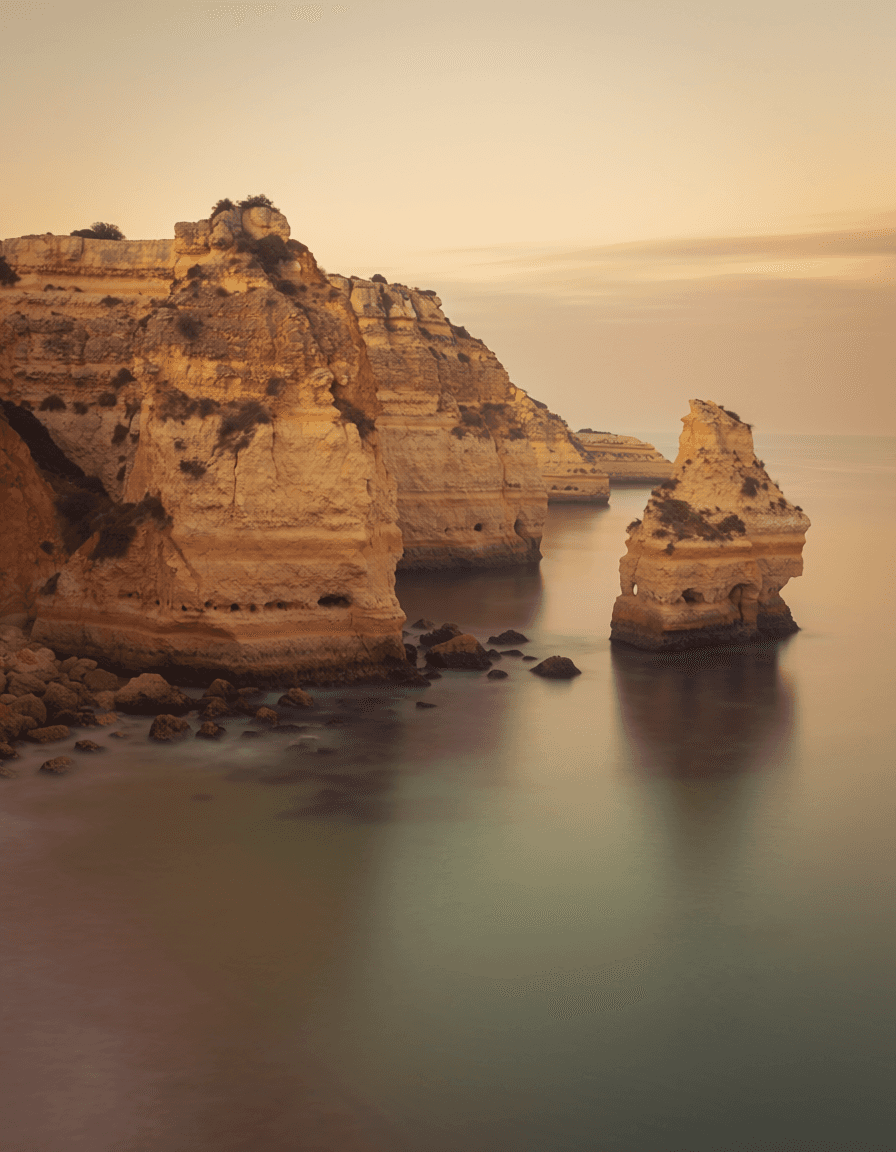
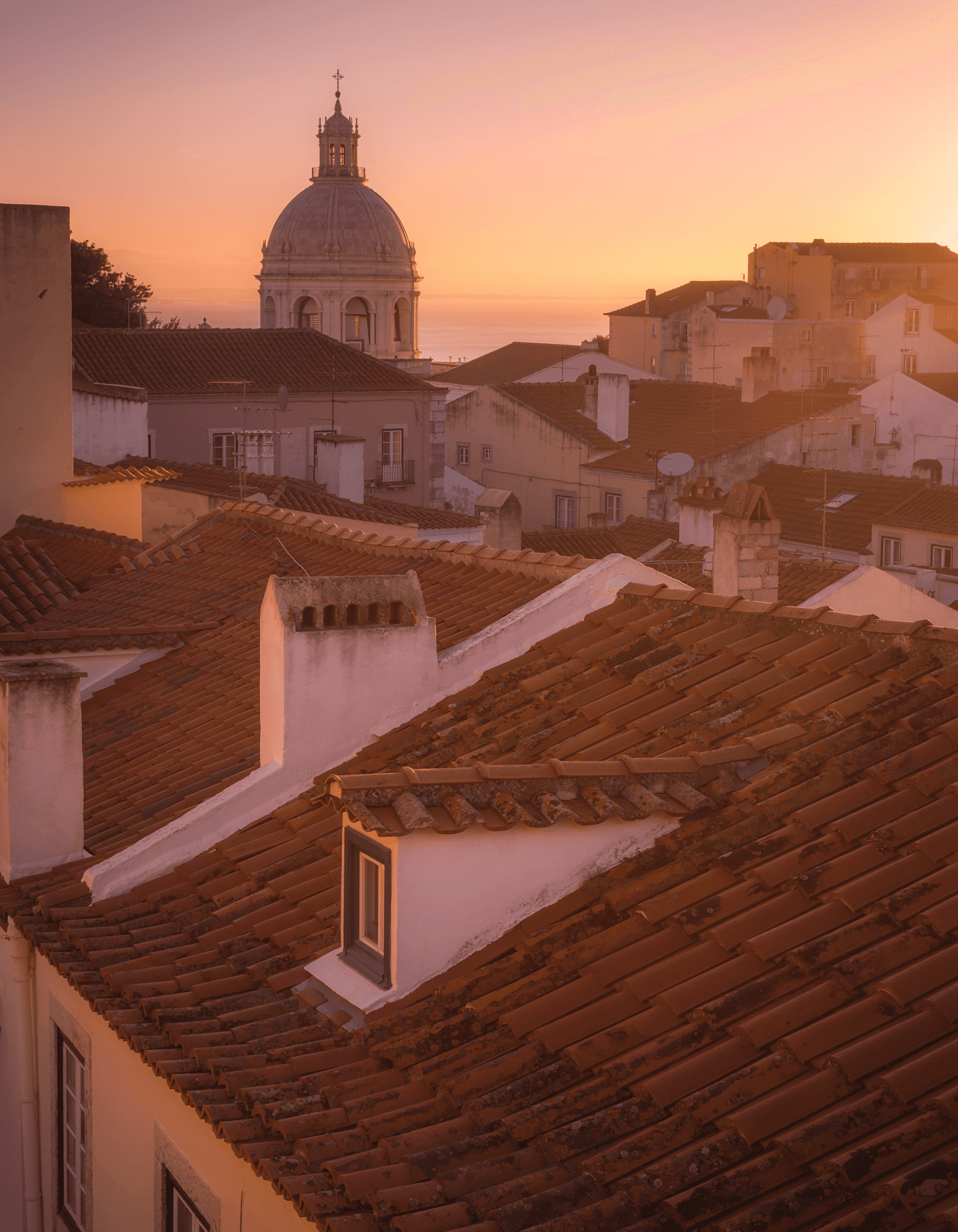
Stage 3 - Assets. Generated in Adobe Firefly Pro. Firefly Image 5 for stills, Runway Gen-4.5 for video. Five category images, an Iberian Pilgrimage journey film, and a 55-second brand film. Each film was produced and edited in Adobe Express, with closing animations and cinematic audio tracks sourced from pixabay. Compressed via HandBrake for web delivery. Claude AI was the strategic co-pilot with asset creation, adding assets to the page, and pushing live with Cursor.
THE TOOL STACK
Platform | Model | Purpose | Cost |
|---|---|---|---|
Claude AI (claude.ai) | claude-sonnet-4-6 | Strategic co-pilot, planning, copy, prompts, design review, deployment | $20/mo + usage |
Figma | - | Design system, Variables, component library | $20/mo |
Figma Make | Gemini 2.5 Pro | Section design via AI prompts, 25 versions | Included with Figma |
Untitled UI Pro | - | Base component library and Variables v8.0 | $129 one-time |
Cursor Pro | claude-sonnet-4-6 | Visual IDE, code review, deployment, terminal | $20/mo |
Adobe Firefly Pro | Firefly Image 5 | Cinematic stills, all five feeling category images | $19.99/mo |
Adobe Firefly Pro | Runway Gen-4.5 | Cinematic video, hero backgrounds and Iberian path | 400 credits/video |
Adobe Express | - | Brand film and Iberian journey film production and editing | Included with Firefly |
Pixabay | - | Cinematic audio tracks for brand film and journey film | Free |
HandBrake | - | Video compression for web delivery | Free |
GitHub | - | Version control | Free |
Vercel | - | Hosting and auto-deployment | Free |